Live monitoring
Connect compatible IP cameras and view supported RTSP streams on Android.
 CCTV Camera Control
Secure account management, IP camera monitoring, and recorded video playback — brought together in a modern Flutter application. Download for Android or explore the interactive browser demo.
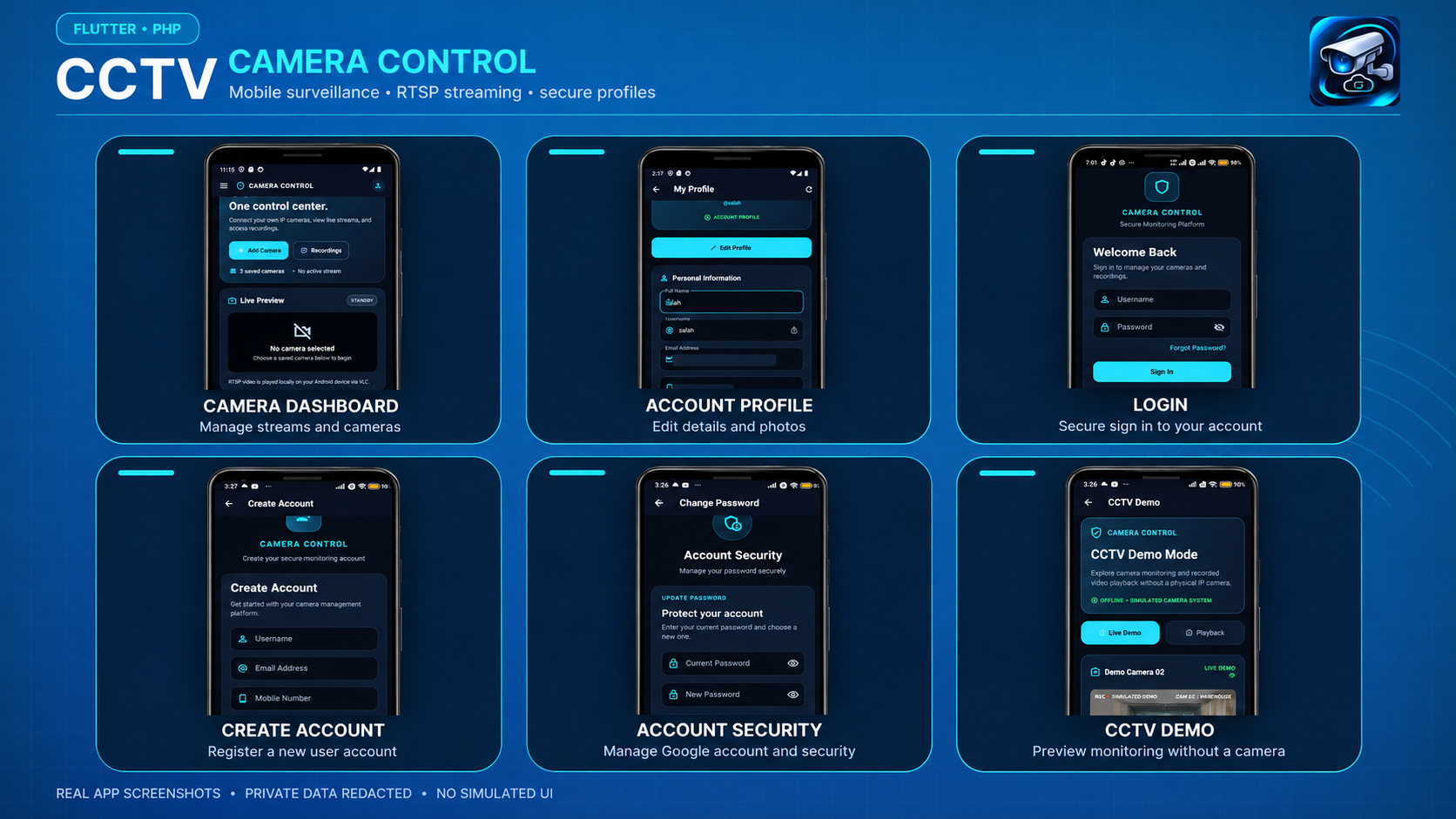
A focused CCTV companion for everyday monitoring, with a dark, camera-first design.
Connect compatible IP cameras and view supported RTSP streams on Android.
Choose dates and navigate available camera recordings on Android.
Sign in, manage your profile, and access account recovery features.
Organize saved cameras and access monitoring features from one place.
Explore simulated camera footage without connecting physical hardware.
Built with Flutter, featuring a responsive dark interface and cyan highlights.
Preview the dashboard, account experience, and recorded playback.
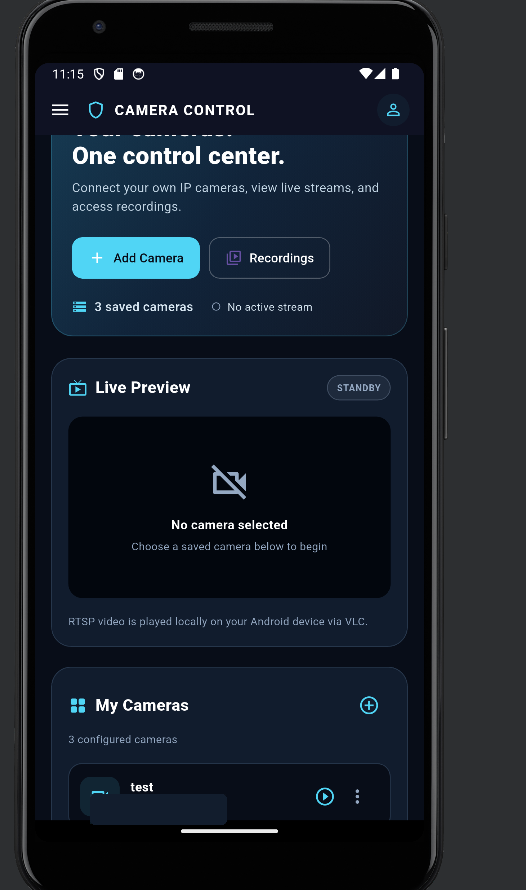
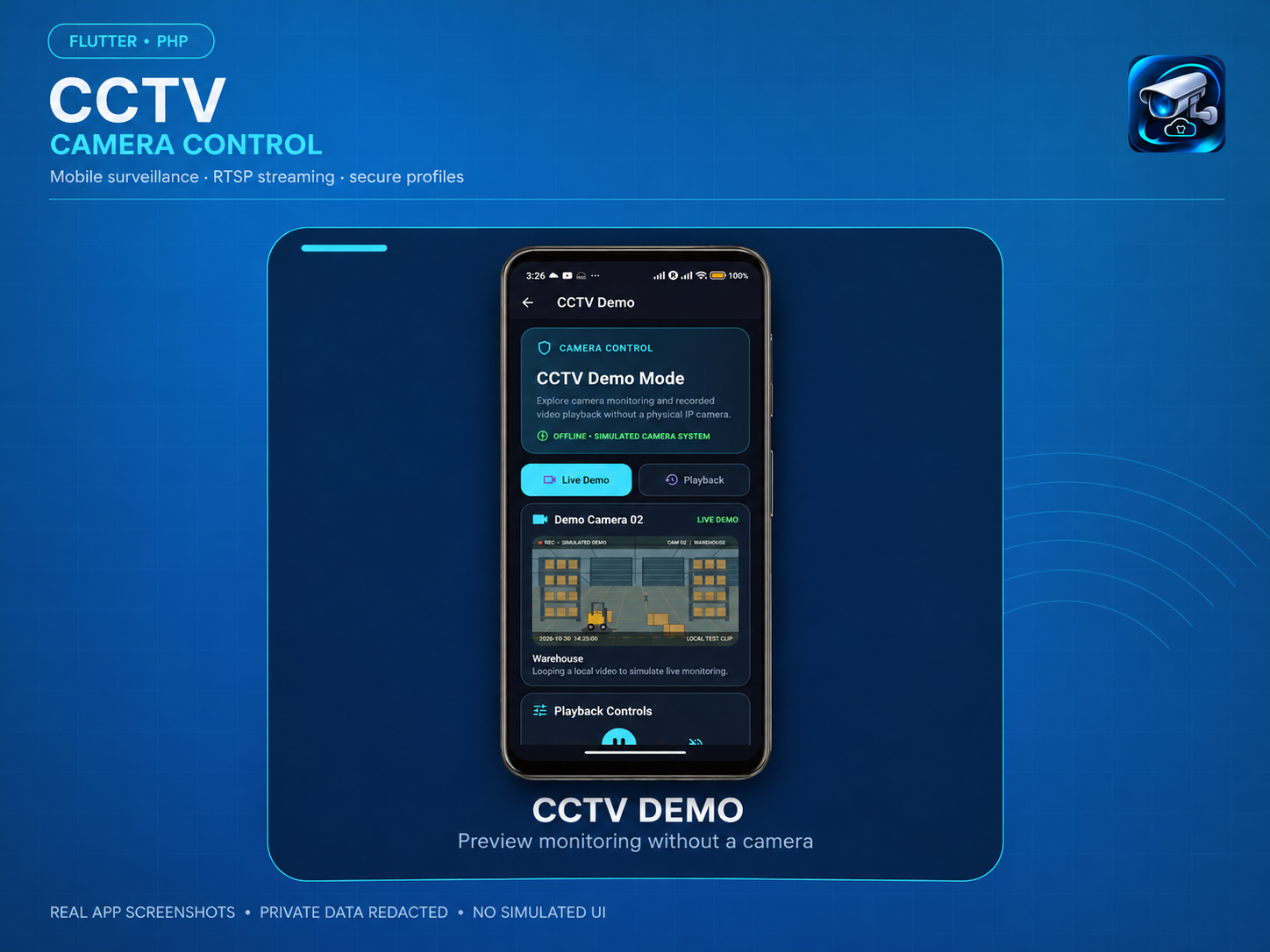
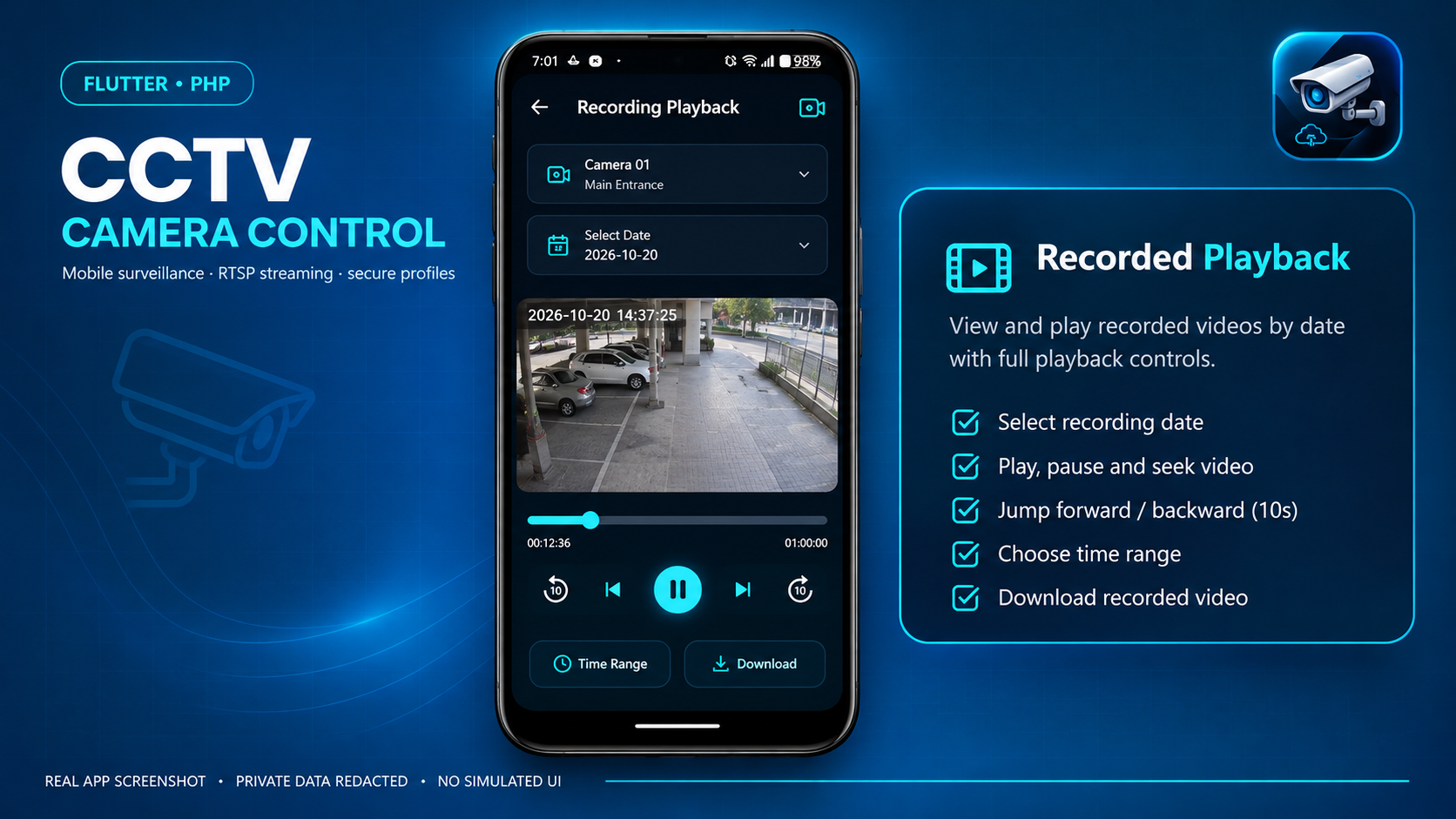
Promotional graphics illustrate features. Actual screens and camera availability may vary. Demo footage is simulated.
No APK installation needed. Explore the responsive CCTV dashboard, watch sample camera footage, and discover simulated recorded playback from your desktop or mobile browser.
▶ Launch Web DemoThe browser version uses sample footage for camera demonstrations. Direct RTSP streaming is available in the Android application.
📱 Android — Real camera streaming and recordings
💻 Web — Interactive demo, simulated camera monitoring and account features
Get version 1.0.0 for Android, or explore the Web Demo instantly. The APK is distributed directly by the developer, not through Google Play.
File: CCTV-Camera-Control-v1.0.0.apk · Approx. 105 MB
Install only from a download link you trust. Real camera streaming requires supported hardware and network connectivity.